

How to archive and unarchive task
Archive a task
-
Select the task: Right-click on the task name that you want to archive and select “Archive“.
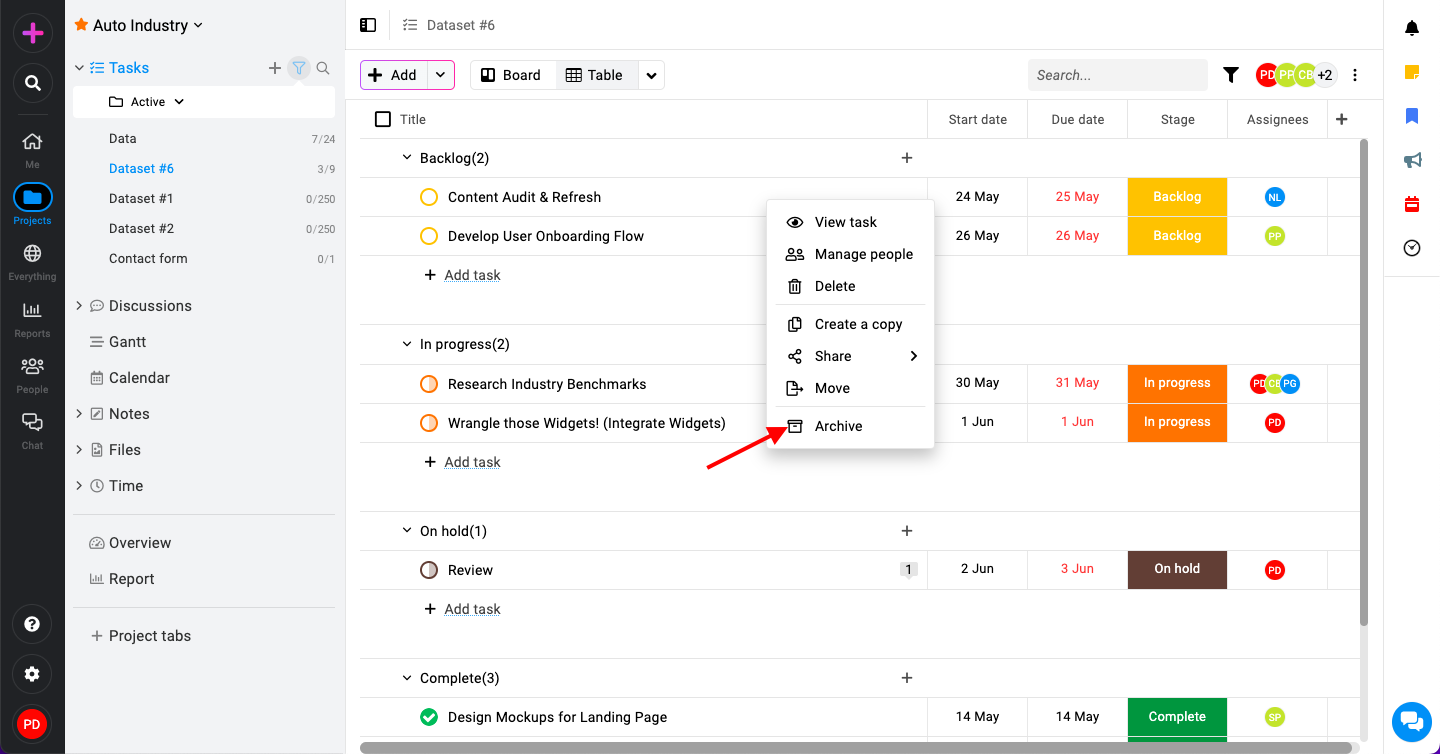
Archive a task in ProofHub -
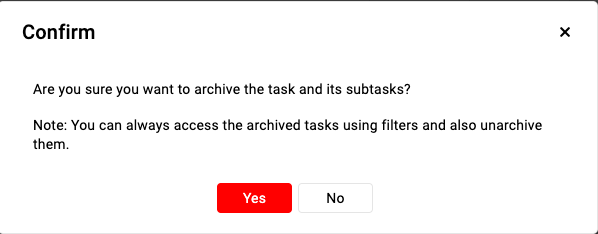
Confirm archive: Select “Yes” to confirm and proceed with archiving the task.
Unarchive a task
-
Select the task: Click on the task list where the archived task is located. Click on the filter icon at the top to reveal filter options.
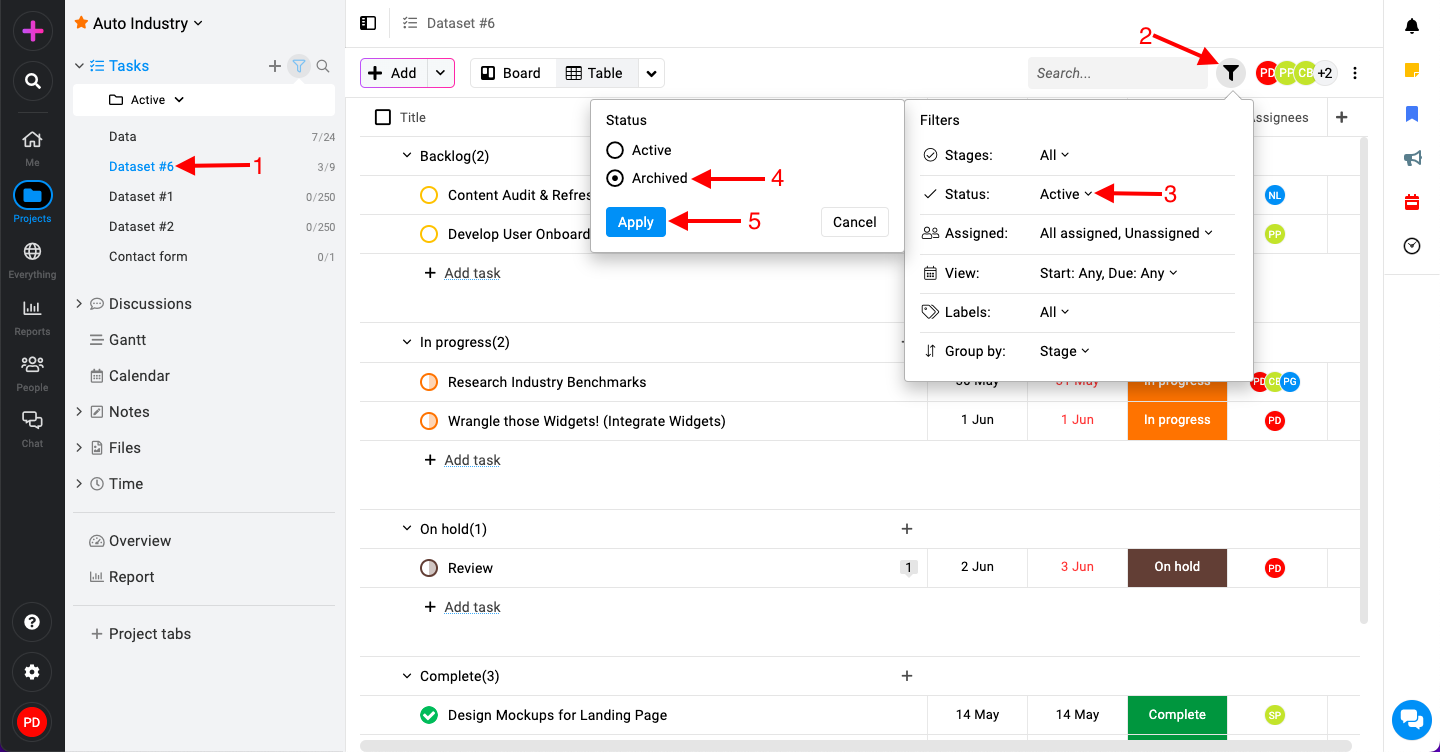
Unarchive a task in ProofHub -
Within the filter options, locate and select the “Status” filter.
-
Choose the “Archived” option from the status menu.
-
Click “Apply” to filter the task list and display only archived tasks.
-
-
Unarchive the task: Once the filters are applied, archived tasks will be displayed.

Unarchive a task in ProofHub -
Right-click on the task name and select “Unarchive“.
-
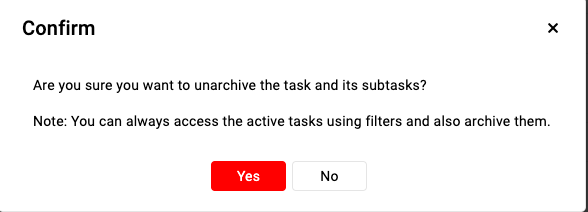
Select “Yes” to confirm.
-
Last updated today
Built with Documentation.AI