

Login
To log in, you can either enter your company URL in the address bar of your browser or you can go to https://www.proofhub.com/login and enter your company URL. After this, you need to follow the below-mentioned steps:
-
Enter your email address and click on Next.\
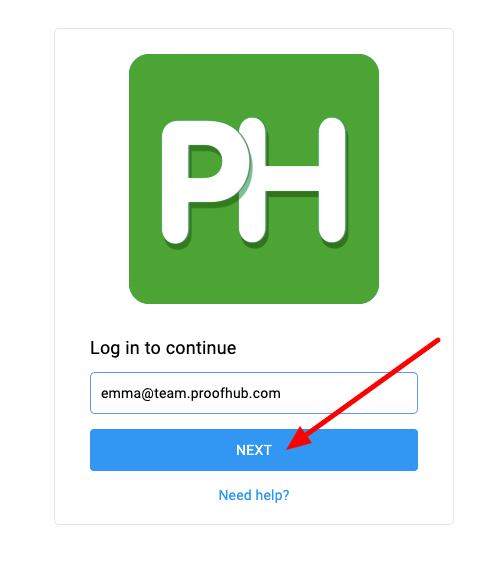
Login in ProofHub -
Enter your password and click on Log in.\
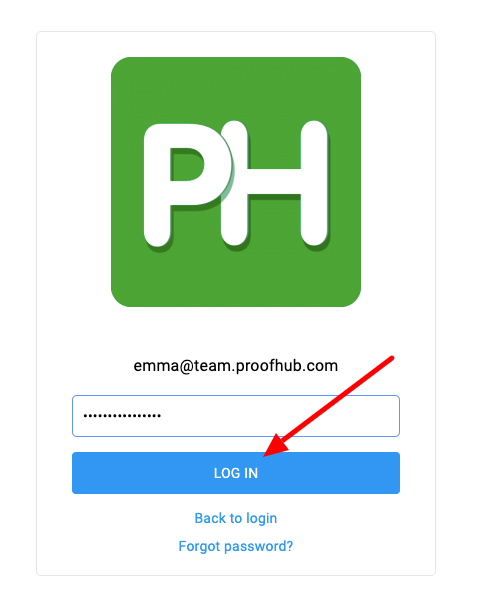
Add Password in ProofHub
Note:
To log in with a different email ID, click on “Back to login,” and you will be redirected to the screen where you initially entered your email ID.
Last updated today
Built with Documentation.AI