

How to use my tasks
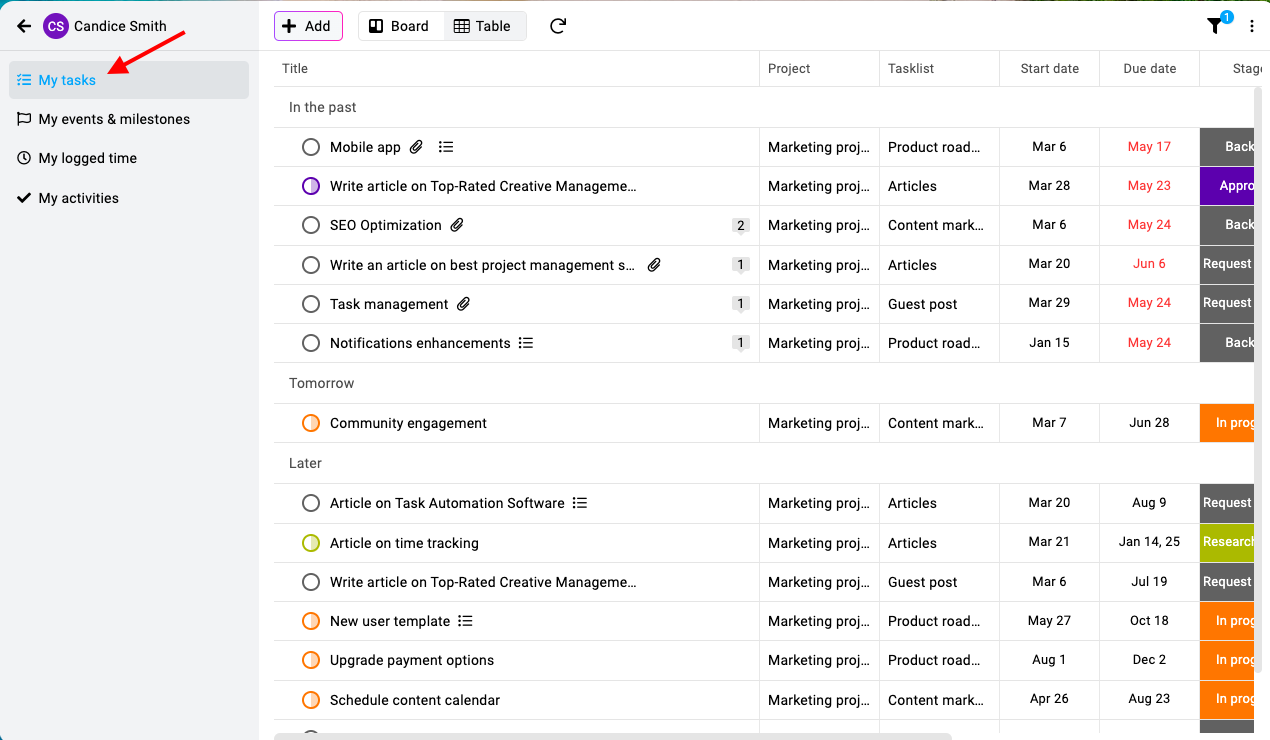
To view all the tasks assigned to you across all your projects, click on the “My Tasks” option. This feature consolidates every task you are responsible for, regardless of the project it belongs to, into one comprehensive view. By using this option, you can efficiently track your workload and manage your responsibilities without needing to navigate through each individual project.
\
Last updated today
Built with Documentation.AI