

Introduction to me view
The “Me view” is your landing page whenever you log in to ProofHub. It serves as your central hub, providing a consolidated view of everything on your plate, and helping you stay focused and organized.
Jump to
-
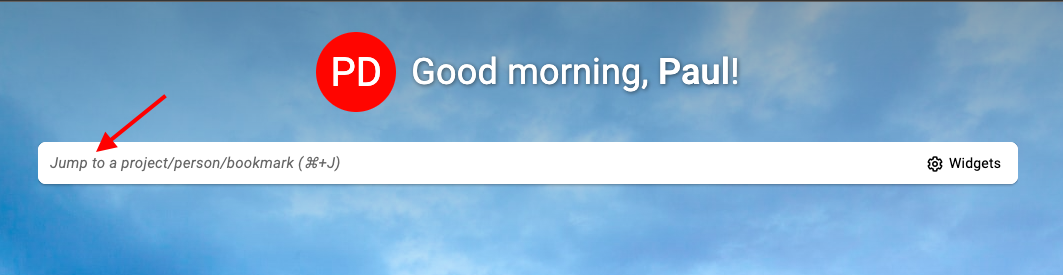
Click on the “Jump to” bar located within the ProofHub interface. Alternatively, use the keyboard shortcut Ctrl or Command + J to access the “Jump to” section.\
-
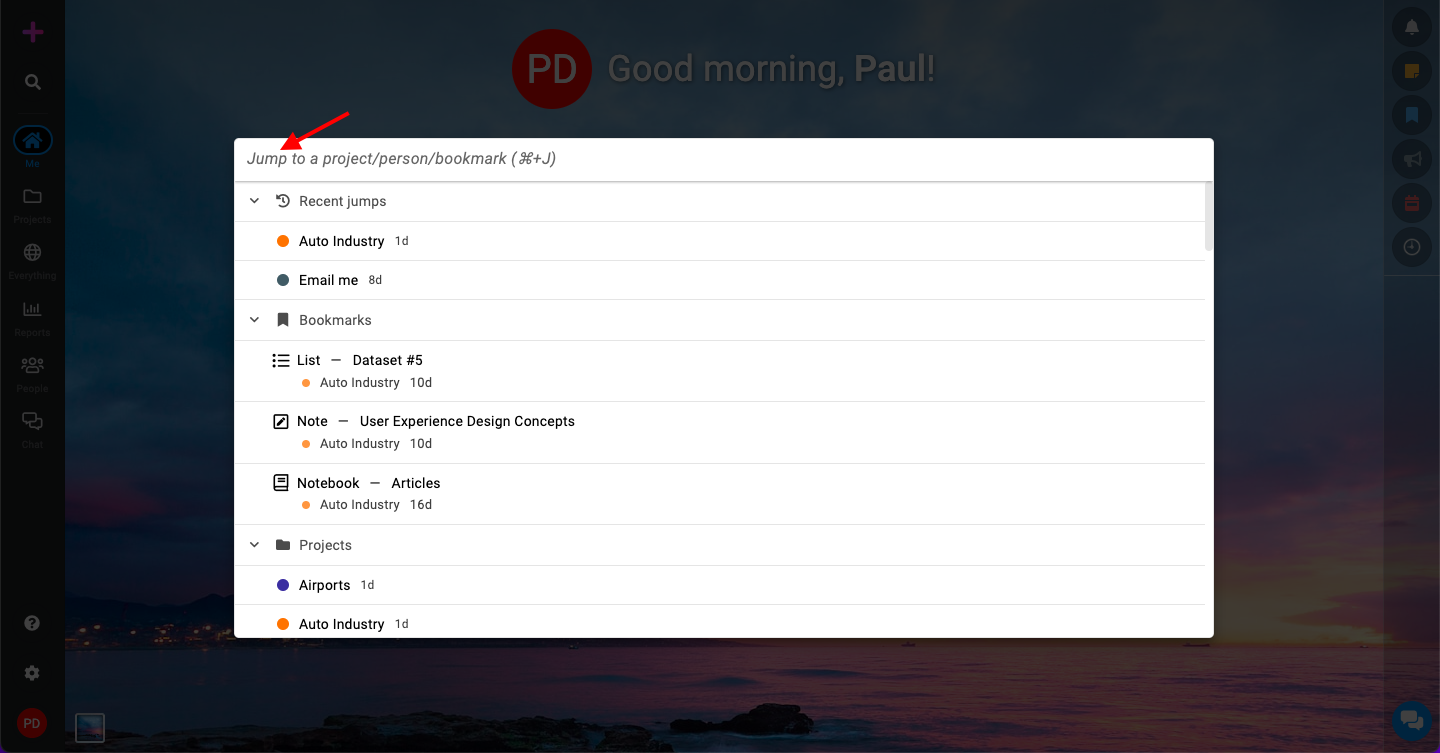
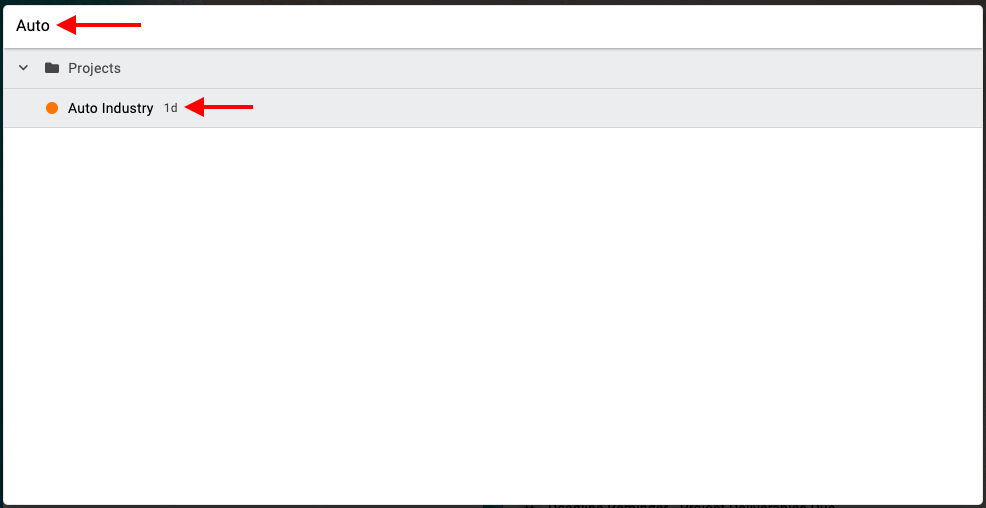
Search for an item: In the “Jump to” section, start typing the name of the project, bookmark, or person you want to navigate to.\
-
As you type, the search function will filter and display relevant options.\
-
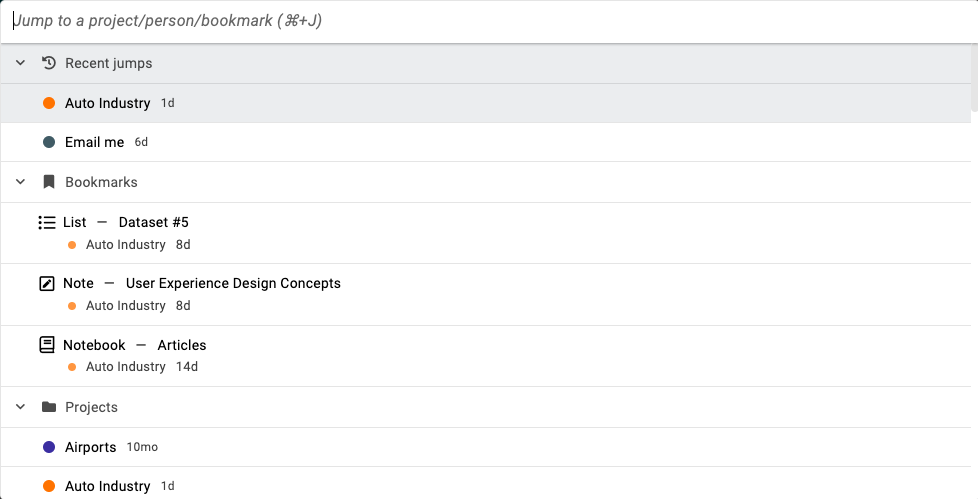
Select from recent projects, assigned projects, people, or bookmarks:\
-
In the “Jump to” section, you’ll find a list of options, including:
-
Recent projects: View projects you’ve recently accessed.
-
All assigned projects: See a list of all projects you’re assigned to.
-
Users for chat: Access a list of team members with whom you can chat.
-
Your bookmarks: View your bookmarked items for quick access.
-
-
-
Note:
-
Clicking on a project name in the “Jump to” section will redirect you to the project overview tab, providing a quick overview of the project’s status and progress.
-
Clicking on a person’s name will open their chat window, enabling seamless communication and collaboration with team members.
-
Last updated today
Built with Documentation.AI